How it works
Keep track of the bags you have open and the cups you brew. Nothing else required.
Three steps
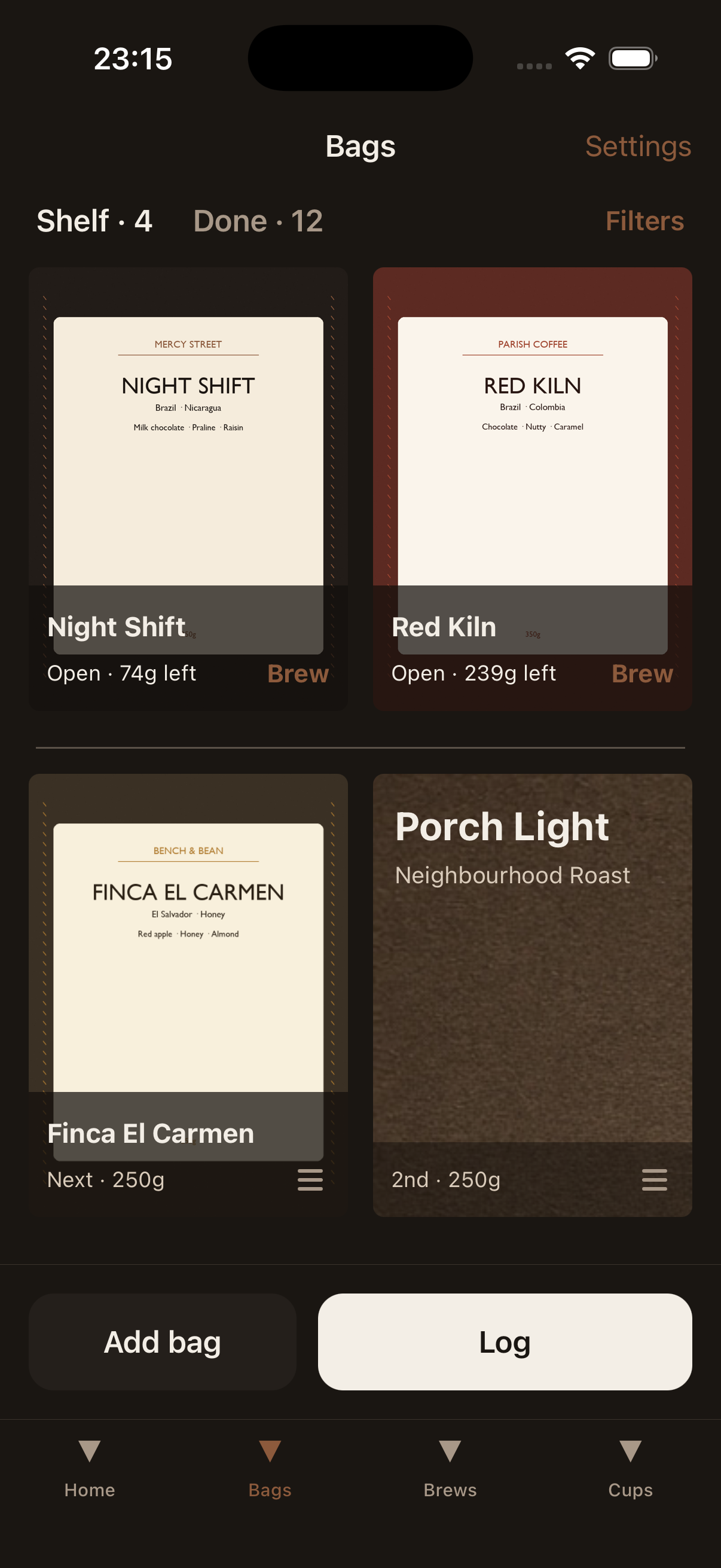
Add a bag
Just a name to start. Mark it open when you open it. Add a photo if you like.
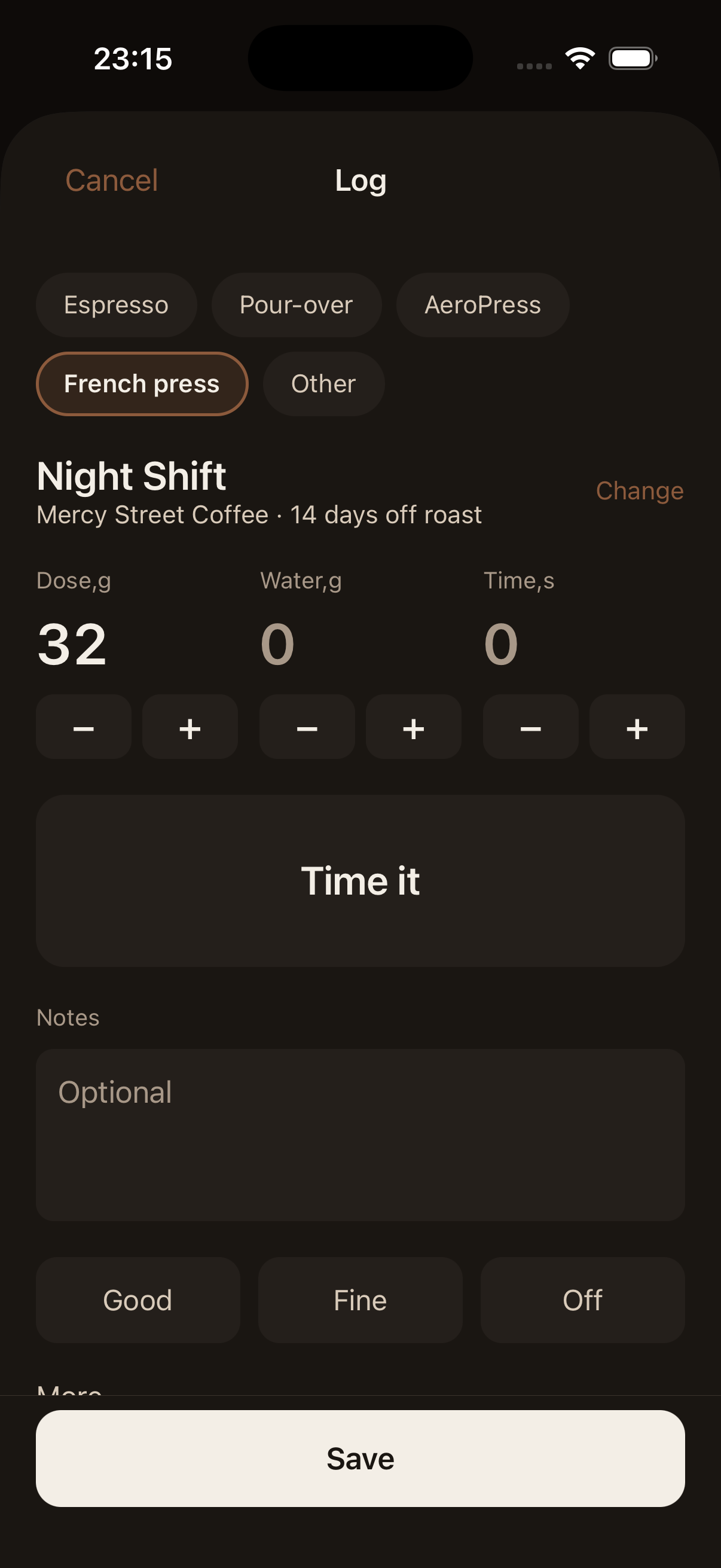
Log a brew
Tap Brew on a bag, or Log. Your last settings are ready. Save, and the bag weight updates.
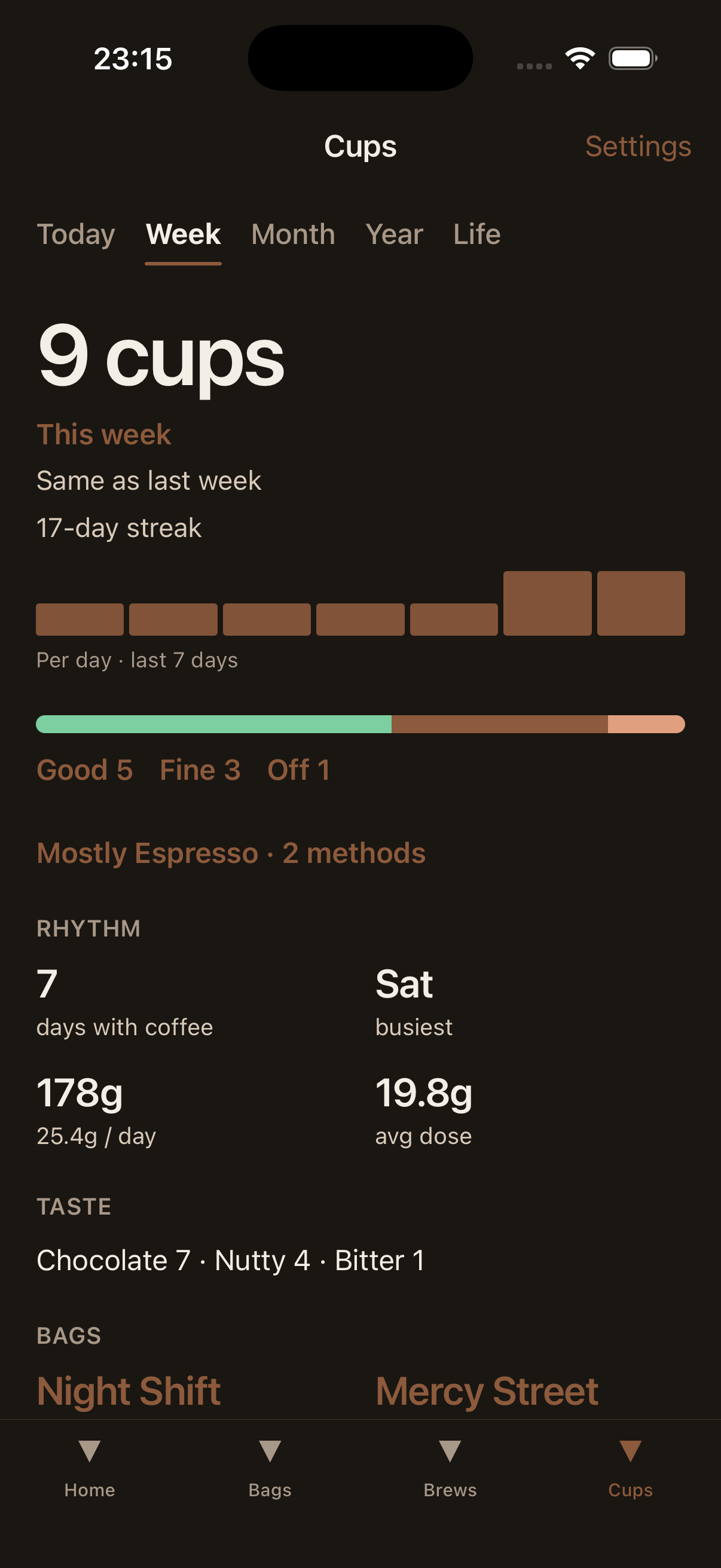
Check Cups
See how much you’ve been drinking today, this week, or over a longer stretch.
Free and Pro
Logging a cup is always free. Free keeps a smaller shelf and a shorter Done list. Your journal stays in your iCloud either way.
| Free | Pro | |
|---|---|---|
| Log any method | Yes | Yes |
| Shelf bags | 8 | Unlimited |
| Done list | Newest 12 | All |
| Cups Today / Week | Full | Full |
| Cups Month / Year / Life | Preview | Full |
| Your diary in iCloud | Yes | Yes |
Unlock with a one-time purchase or a yearly subscription — same features either way. Prices will show in the App Store when Counter launches.
In your iCloud
No Counter account. Your journal lives in your iCloud, with a copy on the phone for offline. We don’t see your cups.
Something missing?
Want a feature in Counter? Email hello@countercoffeejournal.com — we read every note.